How do I make a tech pack from a photo or a sketch?
Updated on November 3, 2026
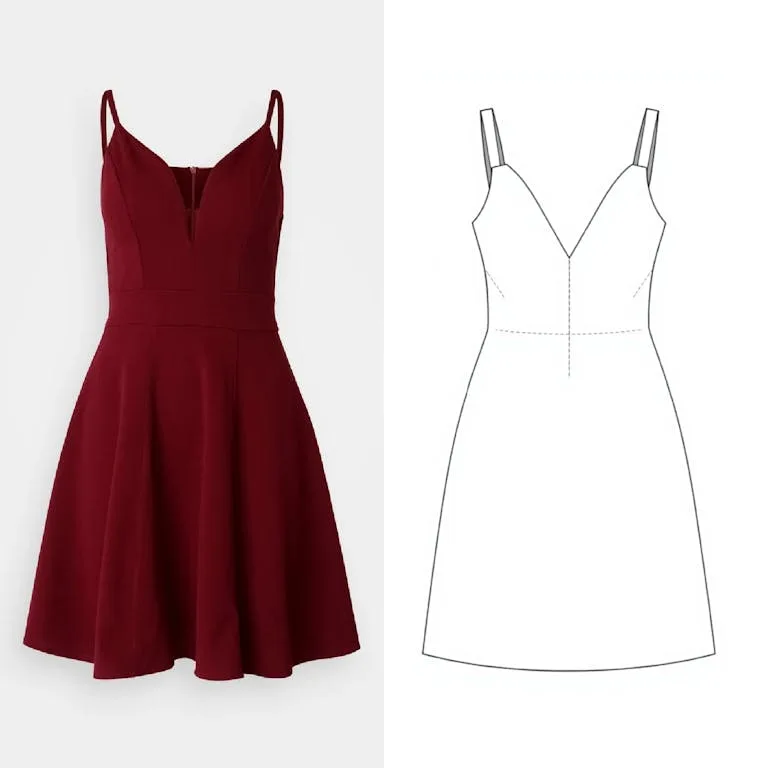
Open the Tech Pack, press Start with AI, choose From photos or From a sketch, add your images and press Generate the tech pack. The AI writes the description, construction, bill of materials and size chart for you to correct. Reading costs 1 credit, plus 1 for each sketch it draws. Building a pack by hand costs nothing.
- 1.Open the Tech Pack from the menu and press Start with AI.
- 2.Choose From photos to start from pictures of a garment, or From a sketch to start from your own flat sketches.
- 3.Add the images: product photos, or a Front sketch, a Back sketch or both.
- 4.Write a short brief: fabric, colours, anything the pictures do not show. Set the Size range and the Measurement unit.
- 5.From photos, tick « Create a 2D sketch with AI » if you want the flat sketch drawn. From a sketch, tick « Also draw the back » if you only have the front.
- 6.Press Generate the tech pack, then check and correct every section.
- 7.Preview the pack and choose Export as PDF.
Good to know
- Already have the drawing as a vector file? « Import an SVG », in the toolbar on the left of the canvas, places your flat or logo on the page at no credit cost, up to 5 MB.
- Already have a tech pack as a PDF? From a document imports it into the editor for 2 credits.
- On any canvas, « Create a sketch » draws a flat from an image for 1 credit, or 2 with its measurements.
- Without a plan you can keep two tech packs; every plan makes them unlimited.
- The AI infers what a photo cannot show, so read the measurements and materials before the pack goes to a factory.
Still stuck? Contact support