How do I make a fashion moodboard?
Updated on November 9, 2026
What you need
- Your references. Creations from your studio, or your own photos uploaded to it: a fabric shot on your phone, a sketch, a past campaign. They all appear in the board's library.
- A brief in one line. A season, a customer, a feeling. Everything you place on the board should serve it.
- A computer. Composing needs a wide screen; on a phone, a board opens to read.
Step by step
- 1.Open Canvas and press Create a canvas. A new board opens in 16:9.
- 2.Click the format button beside the board's name and choose Free for a moodboard of any shape, or a fixed ratio.
- 3.Press Place an image or a video, pick your creations or uploads, and place them on the board.
- 4.Move, resize and layer them freely. Select one to Bring to front, Send to back or Remove it.
- 5.Press Add text to write the story, the colour names and the fabrics, then pick the Font and the Color of each text.
- 6.When the board lacks one picture, press Create an image or a video, describe it, and press Generate.
- 7.Press Preview, then Export as PDF, PNG or JPG to download the board.
The formats
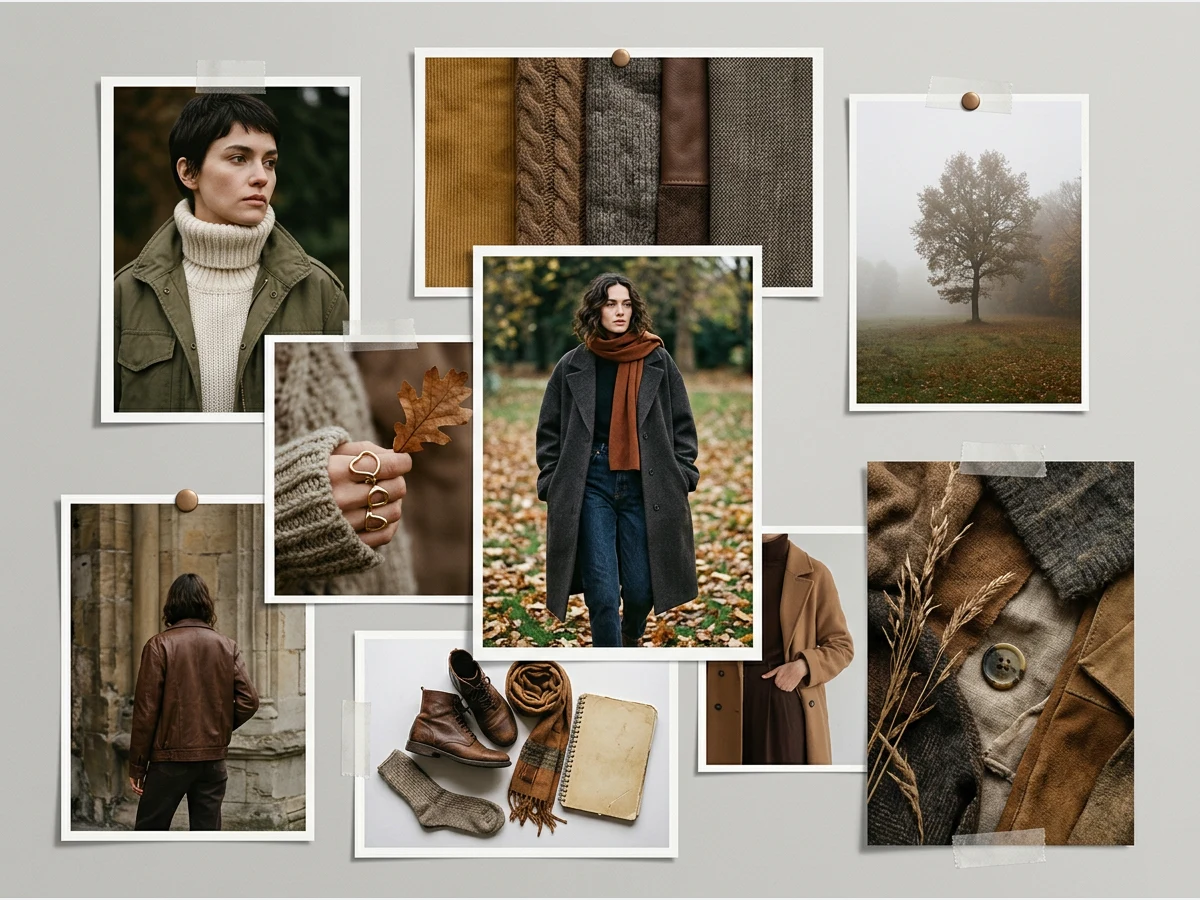
The format button lists seven shapes: Free, 16:9, 1:1, 4:5, 9:16, 3:4 and 4:3. Free suits a moodboard or a collection wall of any shape, 16:9 a presentation, 3:4 and 4:3 a printed page. 9:16, 1:1 and 4:5 match stories, reels and feed posts, which makes Canvas the place to compose a post too. You can change the format at any time.
Create the missing picture on the board
Create an image or a video opens a small form. Choose Image or Video, write the prompt, pick a ratio, and add a Reference if you want the result to follow a picture of yours. Choose Standard, Pro or Ultra; the price shows on the Generate button. The result lands in the middle of the board and in your studio.
| What you create | Standard | Pro | Ultra |
|---|---|---|---|
| An image | 1 credit | 3 credits | 7 credits |
| A video, per second (5s or 10s) | 2.2 credits | 4.4 credits | 23 credits |
Pro needs a plan, and Ultra the Pro plan.
Export it
Press Preview to see the board as it will print. The bar at the top offers:
- Export as PDF: a one page PDF at the board's own size, ready for your team, a factory or a client.
- PNG and JPG: the same board as a picture, at twice its pixels.
- MP4: shown when a video sits on the board. Such a board downloads as a film, and Export as PDF is greyed out, since a PDF cannot play a video.
- Add to the studio: the board becomes a picture among your creations, ready to animate, enhance or post from the Social Media agenda.
What makes a good fashion moodboard
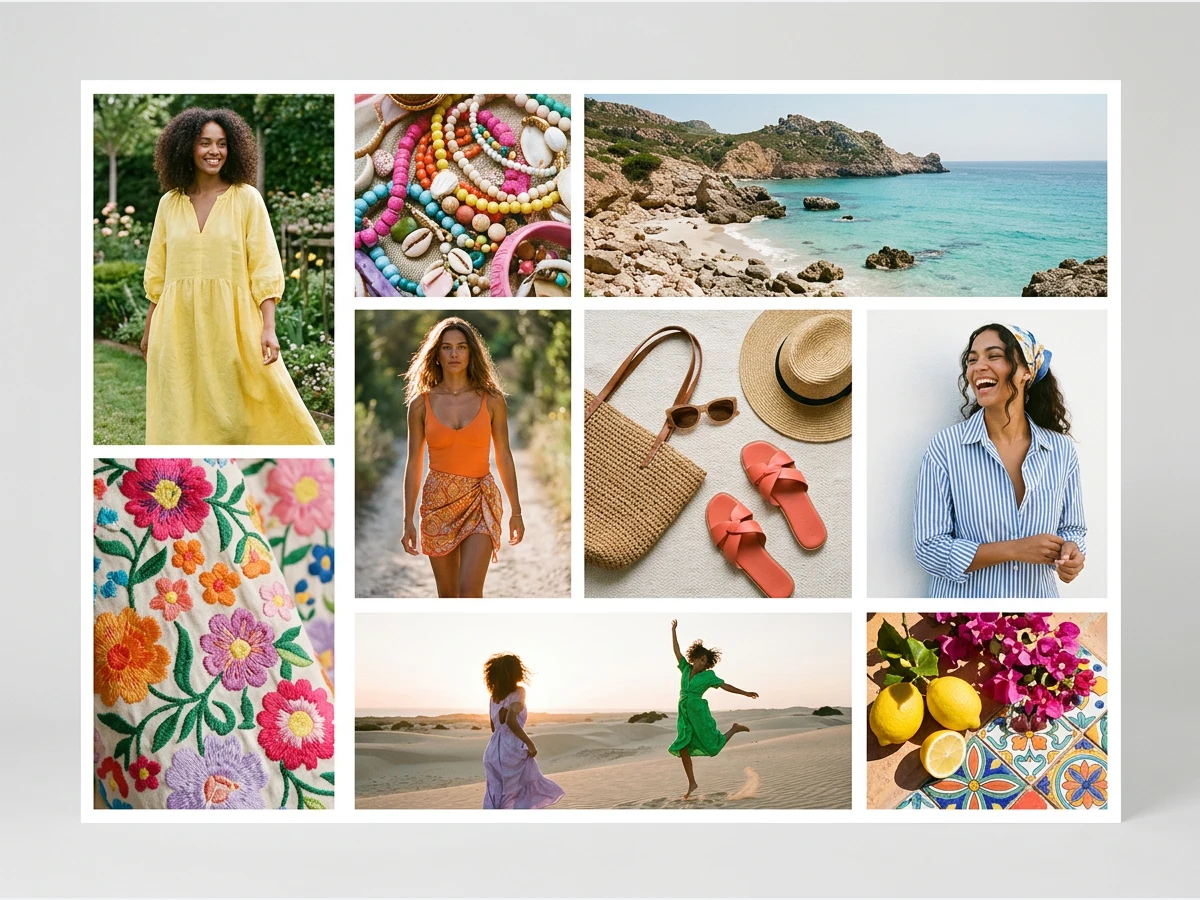
- Collect more than you need, then cut hard. Twelve strong images read better than forty good ones.
- Pull out the palette: four to six colours from the strongest images, written on the board so the team names the same colours.
- Show the fabric: a close up of the knit, the linen or the satin says how the garment will feel.
- Add one or two styled looks so the reader sees how the pieces are worn.
Good to know
- Free to compose. Creating boards, placing pictures, videos and text, and every export cost no credits. Only the pictures and clips you create on the board do.
- As many boards as you like. Open Your canvases to switch between them; the menu on a board's name renames, duplicates, deletes it or files it in a project.
- Your team. Everything filed in a project, canvases included, is shared with the project's members. See how to invite your team.
- Your AI fashion agent can create a board, place your creations on it, change its format and export it as a PDF when you ask it in the chat.
- Next step: turn the direction into pieces with a tech pack, or the looks into a book with the Lookbook.