What kind of photo should I upload?
Updated on November 3, 2026
Formats and size
| File | Accepted | Largest file |
|---|---|---|
| Image | JPG, PNG, WebP | 20 MB |
| Video | MP4 | 50 MB |
| Audio | MP3 | 20 MB |
An iPhone photo saved as HEIC is refused with « Use a JPG, PNG or WebP image. »: export it as a JPG first. Some workflows also need a minimum image size; when a photo is too small, the studio says « Image too small » with the minimum, and a larger photo fixes it.
What makes a good product photo
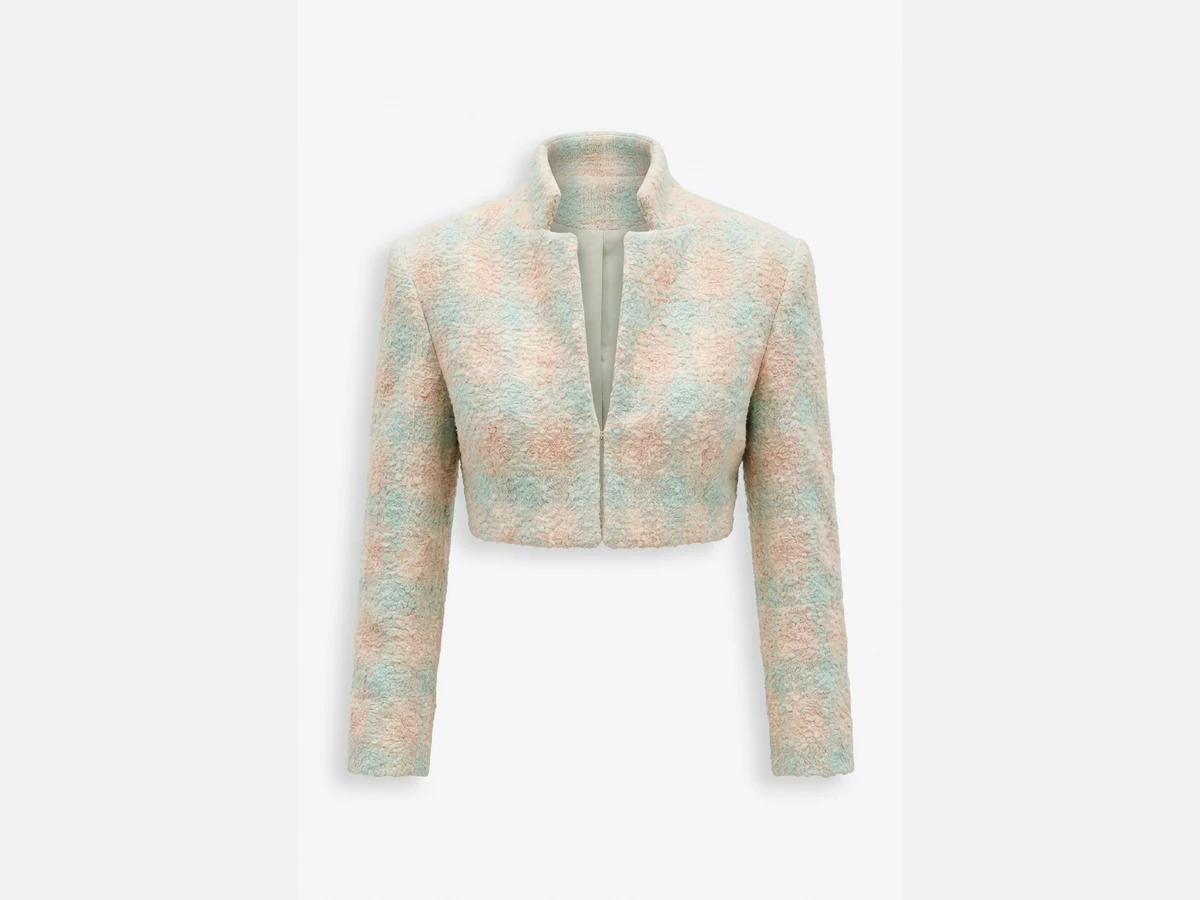
- 1.Show the whole piece: the full garment in the frame, nothing cut at the hem or the sleeves.
- 2.Keep it sharp and well lit: daylight or even studio light, no strong colour cast, no motion blur.
- 3.Lay it flat, hang it or put it on a mannequin: all three work for a product on a model or a ghost mannequin.
- 4.Add the back or a detail as extra product photos of the same piece when the workflow offers more slots. Product to Model and Virtual Try-On take up to three products.
Cropped, headless or worn photos
A photo where the person's head is cropped out works as a product photo: the workflow reads the garment, not the face. A worn photo also works for a ghost mannequin, which lifts the piece from a photo on a person, a hanger or a market stall. For a virtual try-on, the model photo should show the person you want to dress, with the body visible where the garment goes.
Angle and light
A straight front view gives the most faithful result. A strong angle, a fold that hides part of the piece or a busy pattern behind the garment can change the shape or the print in the result. Even, soft light keeps the real colour of the fabric.
Why a photo or a result can be refused
- The file: a format other than JPG, PNG or WebP, or a file over the size limit, is refused before anything starts.
- Our safety filter: some requests are blocked by the safety filter, sometimes a harmless one. Try again; if it repeats, choose a reference photo with less skin visible and avoid words like skin, body or bare.
- A blocked or failed generation costs nothing: its credits come back to your balance automatically.
Good to know
Your uploads are never used to train any model. If a result shows a problem, see What if a result has issues or distortions?