What tools are in The New Black AI?
Updated on November 3, 2026
- 1.Open the Studio and press Workflows.
- 2.Pick a family at the top of the menu, then the workflow for your job.
- 3.Fill its fields, check the price on the Generate button, and press Generate.
E-commerce: product photos on models
The largest family turns your product photos into catalogue images. Product to Model puts a flat lay, a hanger shot or a mannequin shot on an AI model. Image to Ghost Mannequin lifts the garment from any photo into a hollow product shot. Image to Flat Lay, Product 360 and Model 360 add the other views a product page needs. Most image workflows cost 1 credit on Standard, 3 on Pro and 7 on Ultra. Start with How do I turn a flat lay photo into an on-model image?
Virtual try-on
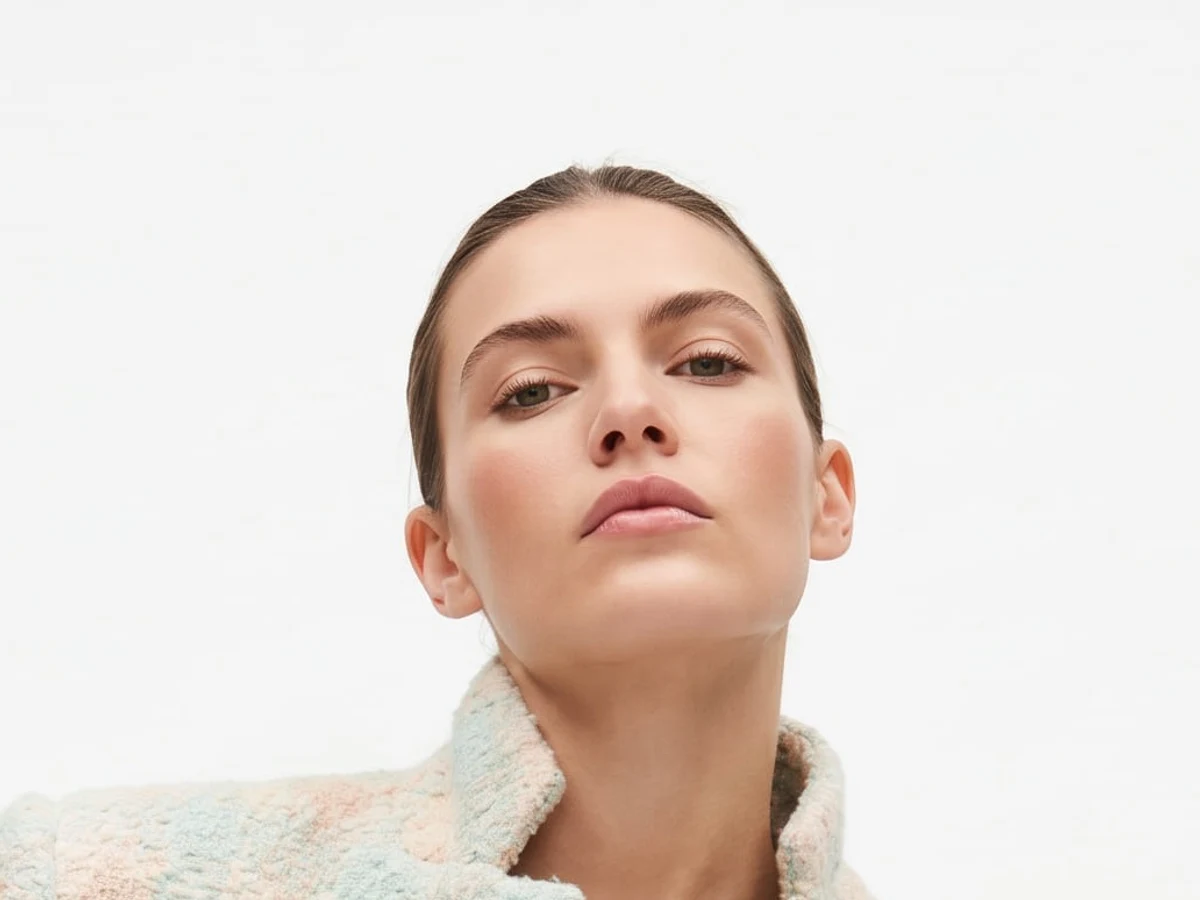
Virtual Try-On dresses a person you choose, a model photo you already have, in your products, up to three pieces at once, at 1, 3 or 7 credits. Virtual Try-On Video does the same in motion. See How do I put my clothes on an AI model with virtual try-on?
Video and Reels
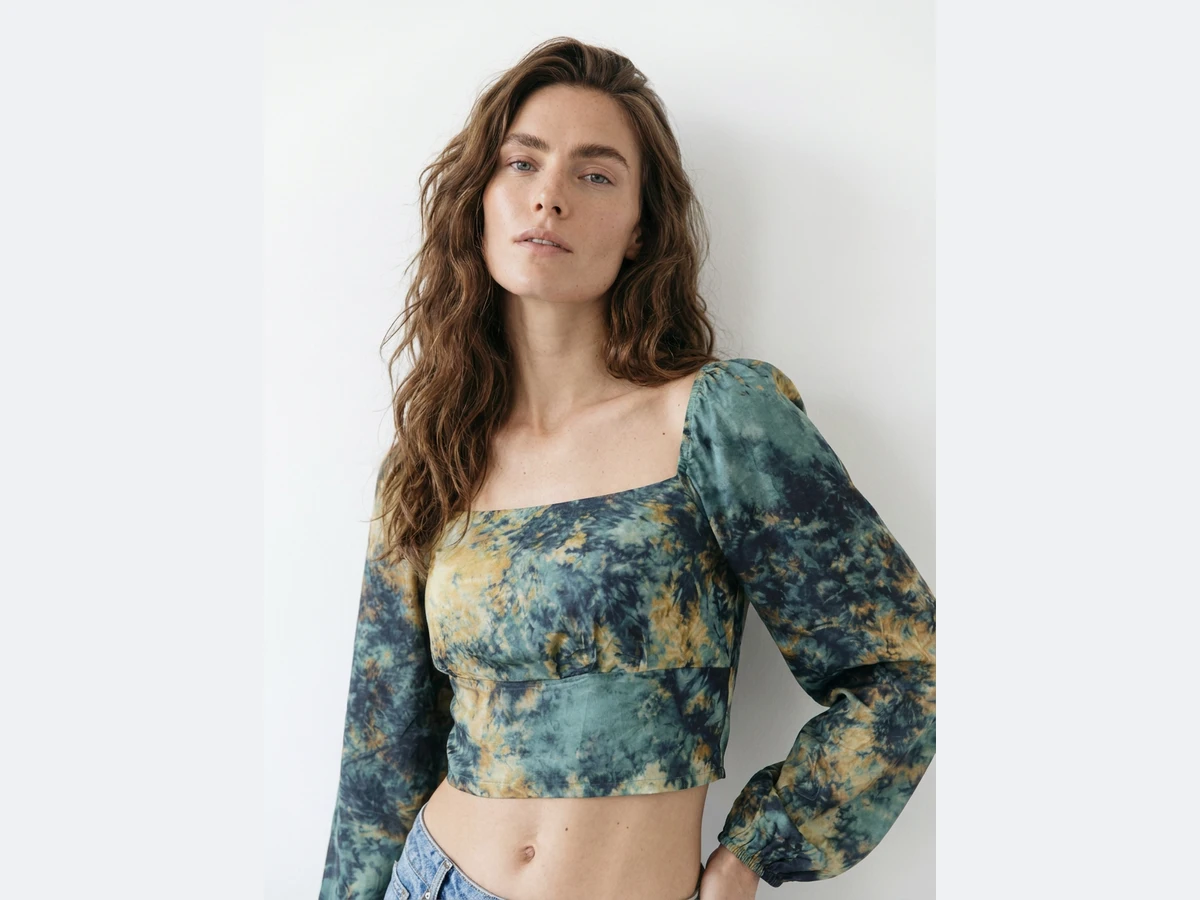
Free Prompt Video animates one photo, or makes a clip from words, in 5, 10 or 15 seconds, at 2.2 credits a second on Standard, 4.4 on Pro and 23 on Ultra. Model Walk, UGC Video, Fashion Ad and Editorial Lookbook are ready made video formats. The Reels family holds the trend transitions: Snap Freeze, Outfit Drop, Look Switch Walk, Hanger Switch, Outfit Morph and more. See How do I make a product video from one photo?
Motion Design
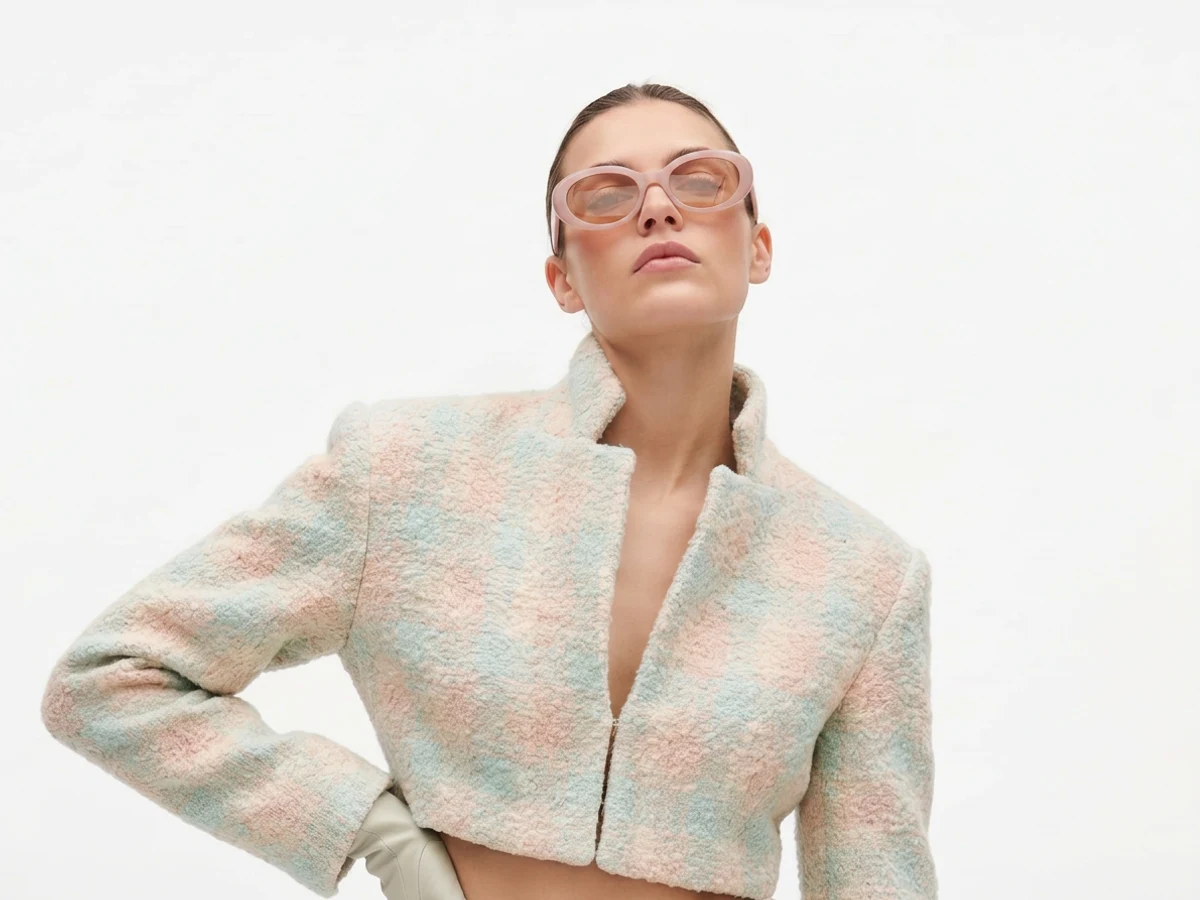
Eighteen templates turn your images into a finished post or reel with text and music: Collection Panorama, Split Reel, Look Film, Lineup, Ways to Wear, Mix & Match and others, from 1 credit. See the motion design templates.
Design, Sketch and Fabric
Design creates new pieces: Free Prompt Image from a brief, Create Design Variations, Create Similar Outfits, Change a Color, Add a Logo. Sketch goes both ways, Sketch to Image and Image to Sketch, plus Text to Sketch, Sketch to SVG and Vectorize Prints & Logos. Fabric starts from a material: Fabric to Image, Swap Fabrics, Text to Textile, Image to Fabric. See How do I turn a sketch into a realistic design?
Background, HD and edits
Change Background, Remove Background (0.5 credit) and their video versions change the setting. Enhance Photo to HD (2K/4K) and Enhance Video to HD raise the resolution. Edit an Area repaints one part of an image, and Expand Image widens the frame to a new ratio. Image to 3D builds a 3D model from one photo for 10 credits. See What if a result has issues or distortions?
Tech pack, Canvas and Lookbook
The Tech pack builds the document a factory needs, flat sketches with callouts, size chart and bill of materials, from a photo or a sketch, and exports it to PDF; see How do I make a tech pack from a photo or a sketch? Canvas is a board at any format for a moodboard or a post. Lookbook lays out a collection as pages to share.
Brand Manager
Brand Manager connects your Shopify store, publishes images to your product pages and posts to your social accounts. See How do I connect my Shopify store and publish images?
Good to know
The full price of every workflow is in How many credits does each workflow cost? The price of a generation always shows on the Generate button before you spend anything.